Create Contracts

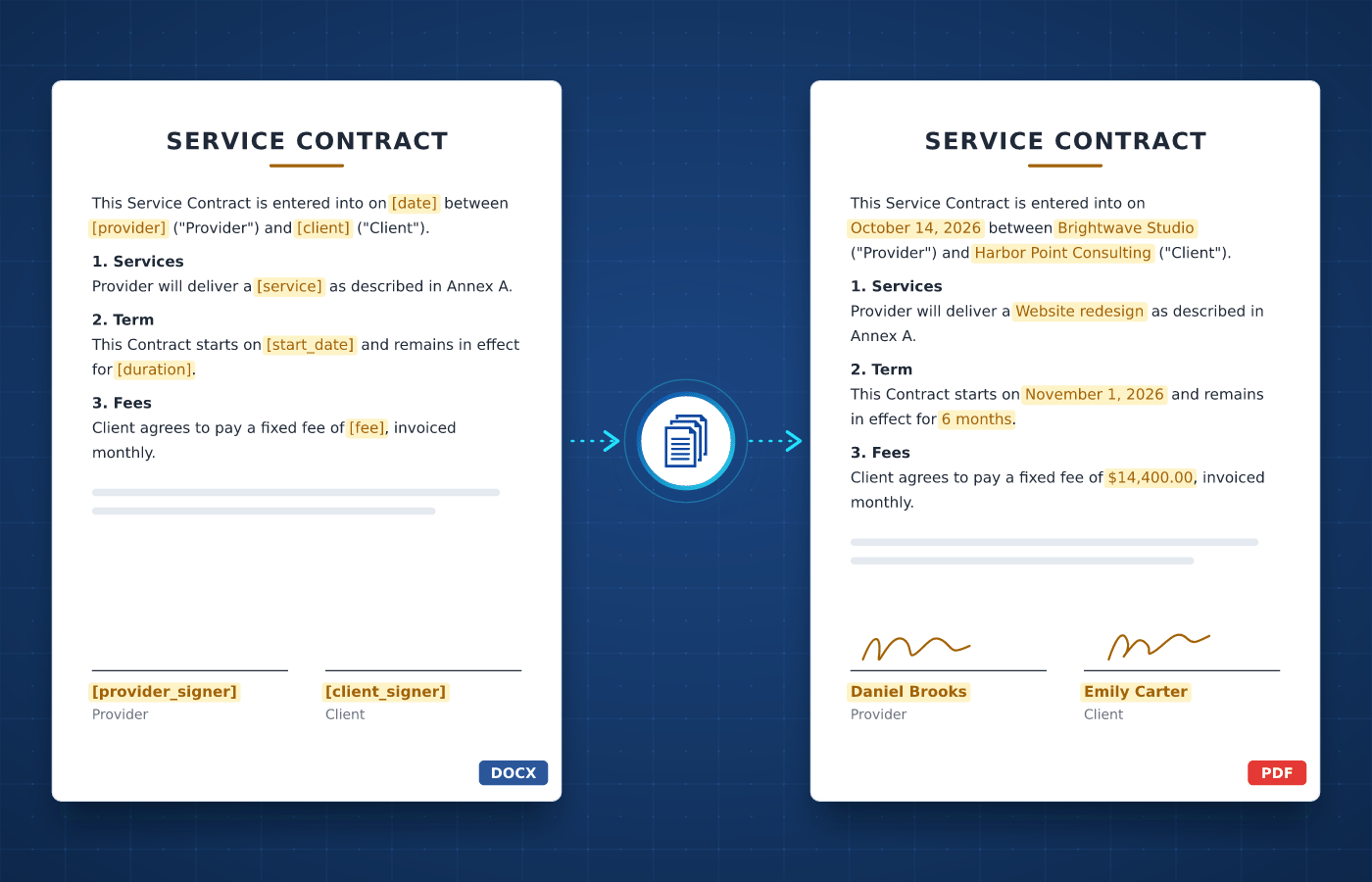
Turn your Word templates into finished contracts in seconds

Save Time

Automate Your Contracts

Drafting contracts usually involves copying names, dates and amounts into a document. With automated contract generation, each one is created with the approved wording and the right clauses.

  • Contracts ready in seconds, not hours
  • No more copy-paste mistakes
  • Approved wording, every time
Start Generating for Free
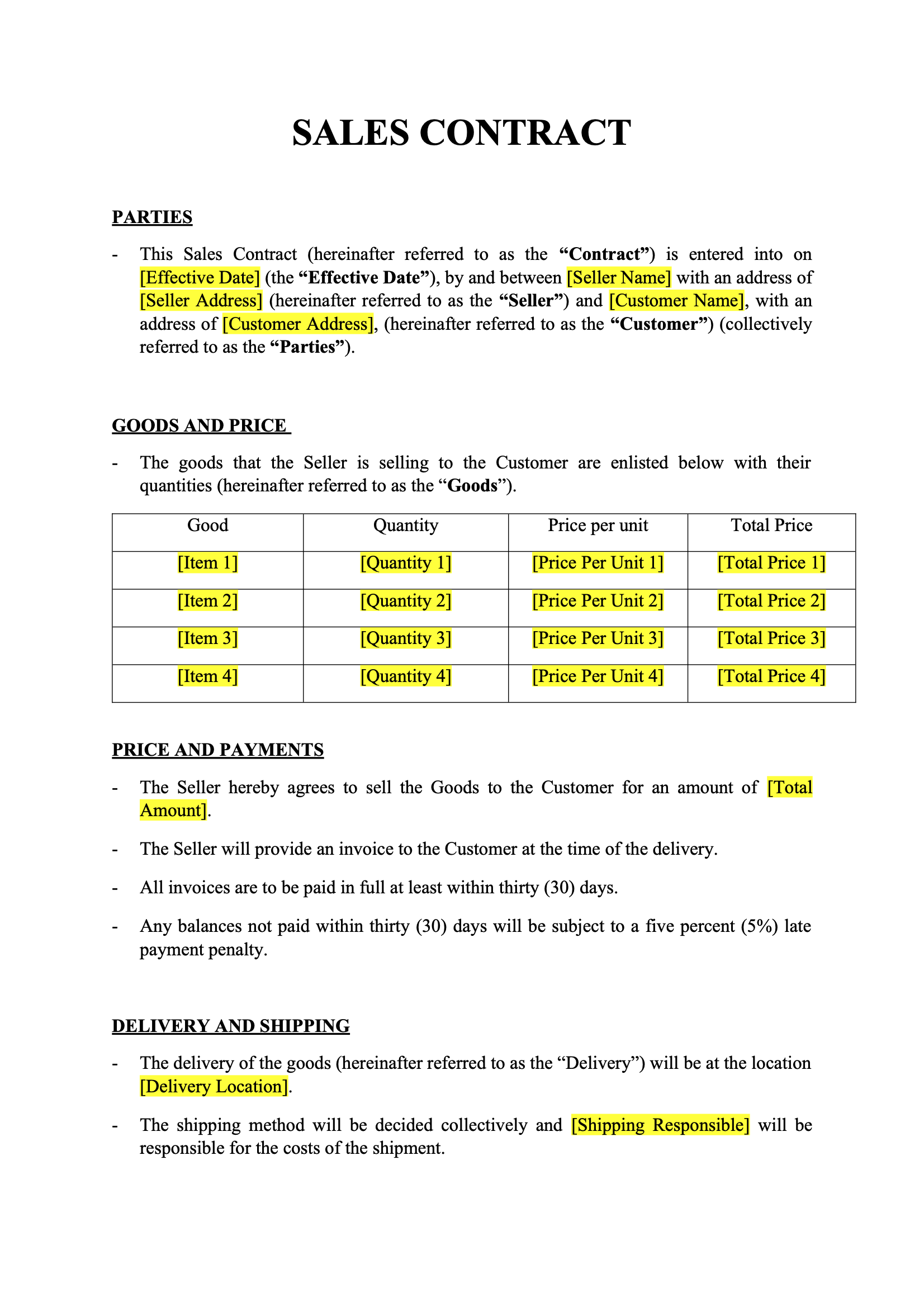
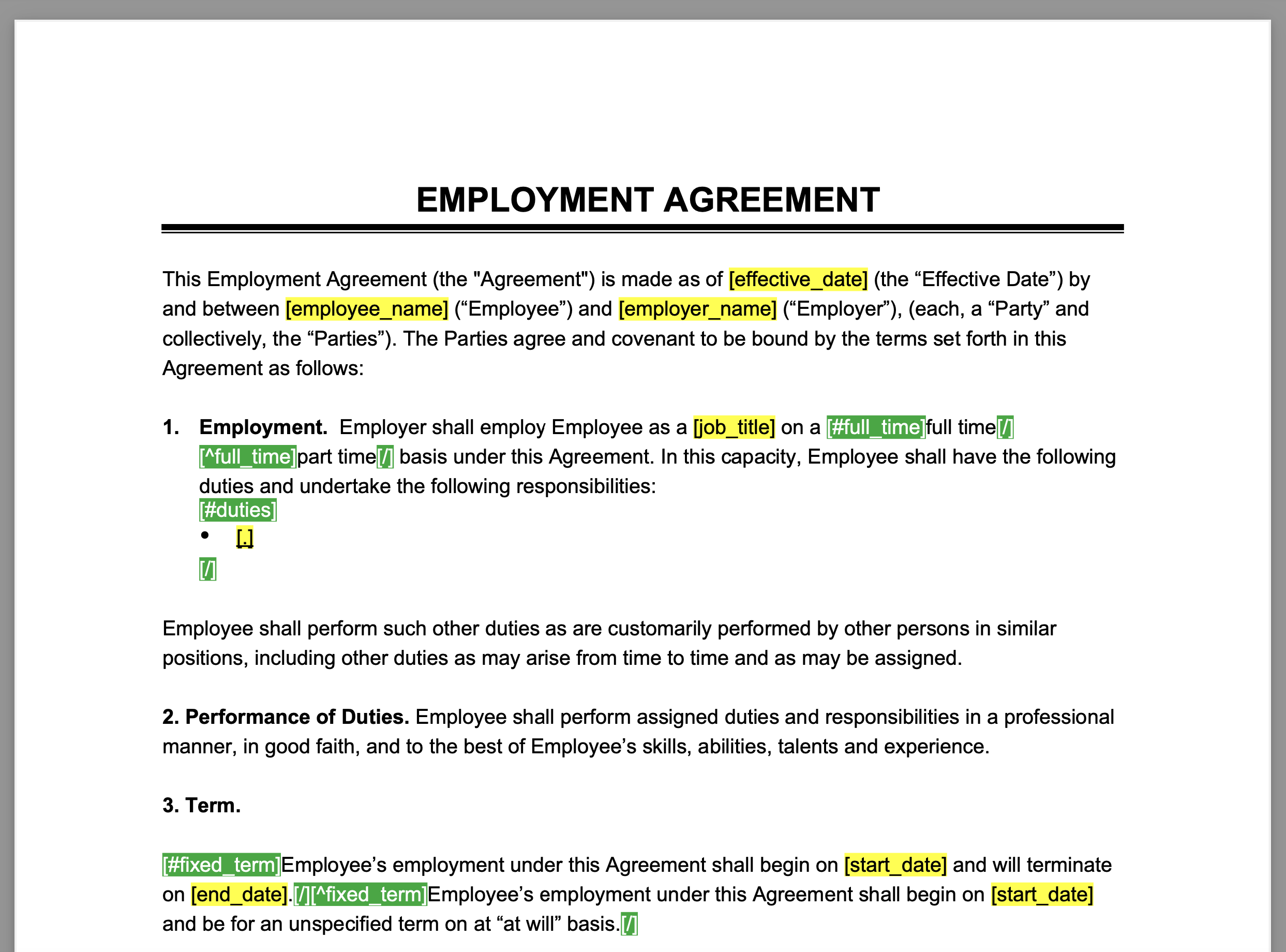
Contract template in Word with merge tags
Understanding

What's a Contract?

A contract is a legally binding agreement between two or more parties. It sets out what each party commits to, such as the work to deliver, the price, the deadlines and what happens if something goes wrong.


Businesses rely on contracts every day, from employment contracts and NDAs in HR to service and sales agreements with clients and suppliers. Each type follows a fixed structure that your legal team defines once, which makes contracts a natural fit for automation.

Start With Our

Contract Templates

Download a ready-to-use template, adapt it to your needs and generate your first contract in minutes.

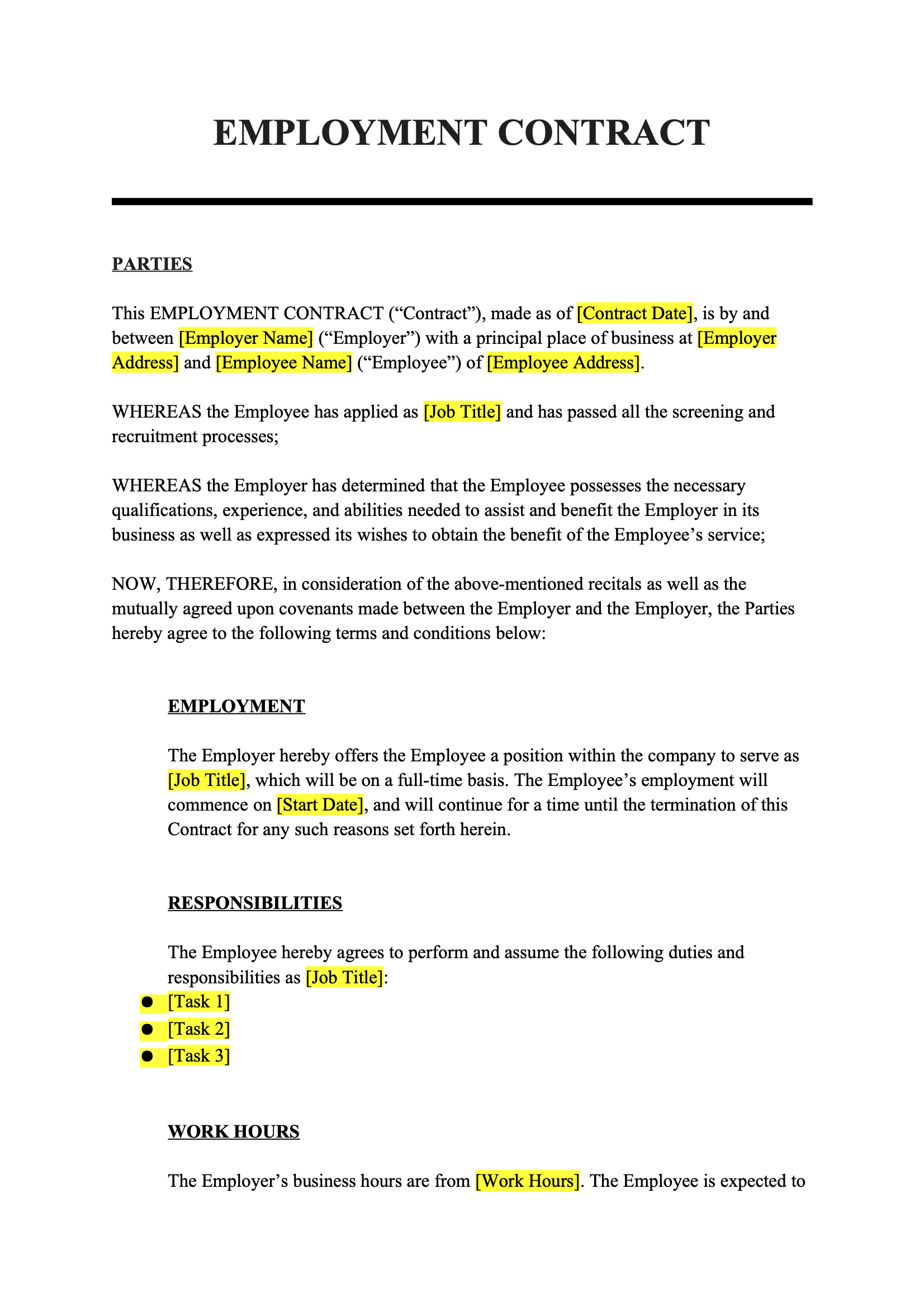
Employment Contract
Download
Employment Contract Template
Dotted shape
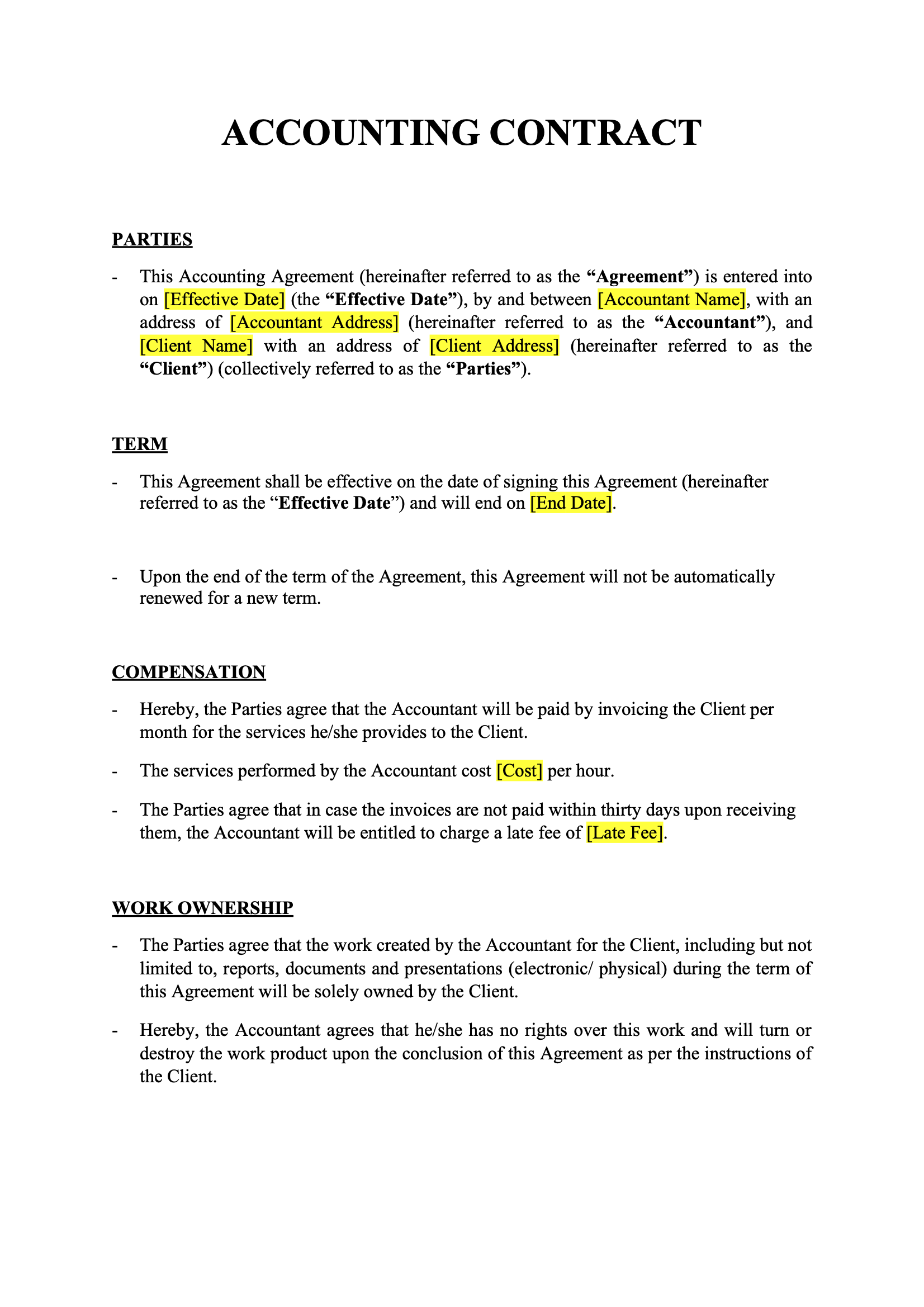
Accounting Contract
Download
Accounting Contract Template
Dotted shape
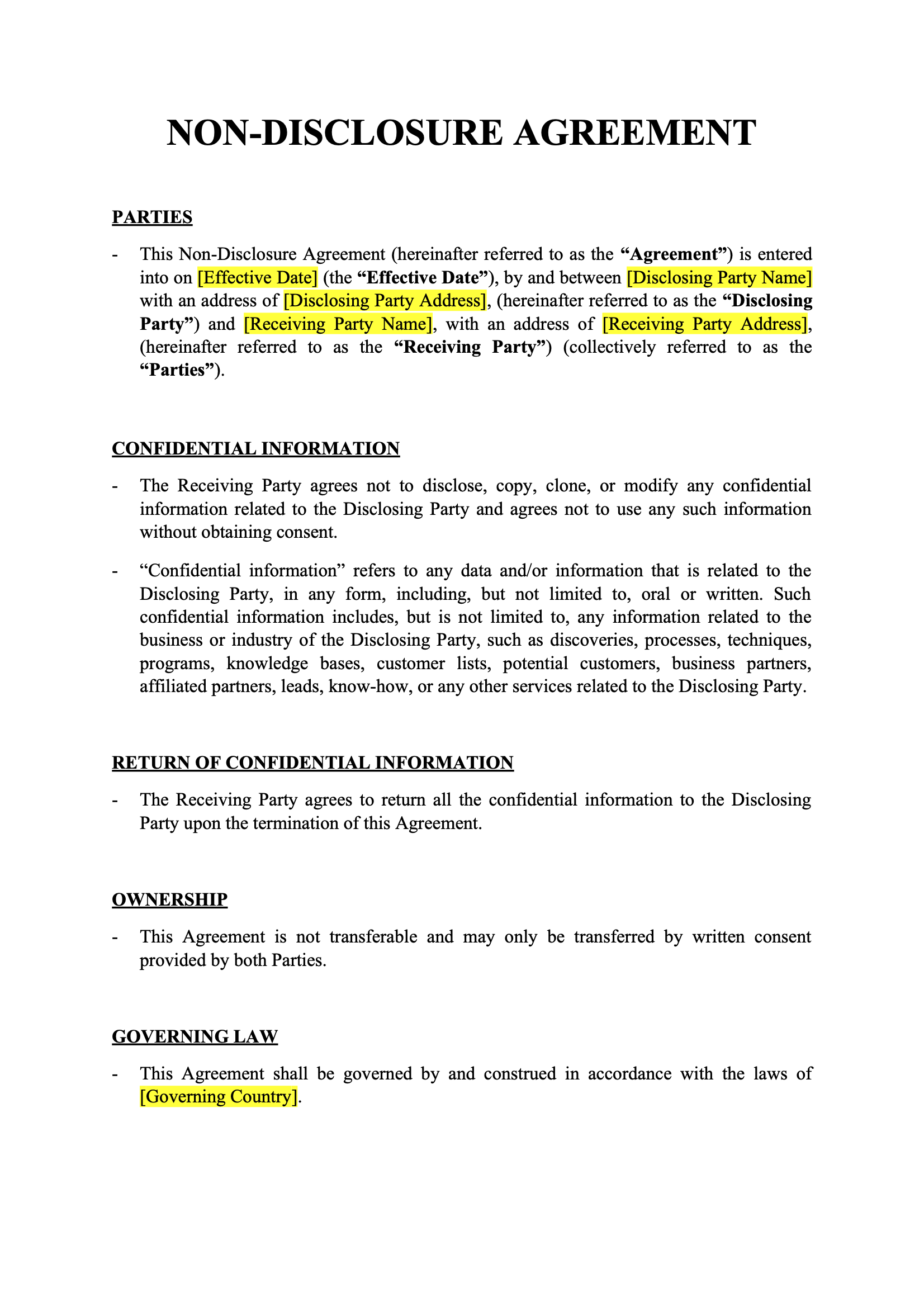
Non Disclosure Agreement
Download
Non Disclosure Agreement Template
Dotted shape
Sales Contract
Download
Sales Contract Template
Dotted shape
Everything You Need

Built For Contracts

From optional clauses to fee schedules, every part of a contract can be driven by your data.

Conditional Clauses

Include a clause only when your data matches, like a probation period that only applies to new hires.

Learn More

Fee Schedule Tables

List fees, deliverables or payment milestones in tables that grow automatically with your data.

Learn More

Signatures & Logos

Insert your company logo, a signature image or a client photo into each contract, straight from your data.

Learn More

Excel & CSV Imports

Upload a spreadsheet and generate one contract per row, for dozens or hundreds of contracts in a single run.

Learn More

Standard Terms PDF

Append your standard terms and conditions as a static PDF at the end of every contract you generate.

Learn More

Template Versioning

Keep the previous versions of each template and restore an earlier one whenever you need to go back.

Learn More

Team Collaboration

Share templates with your colleagues so everyone in your team works from the same approved version.

Learn More

Regional Processing

Process and store your contracts in the region of your choice to help meet compliance regulations.

Learn More
Integrations

Automate With No-Code

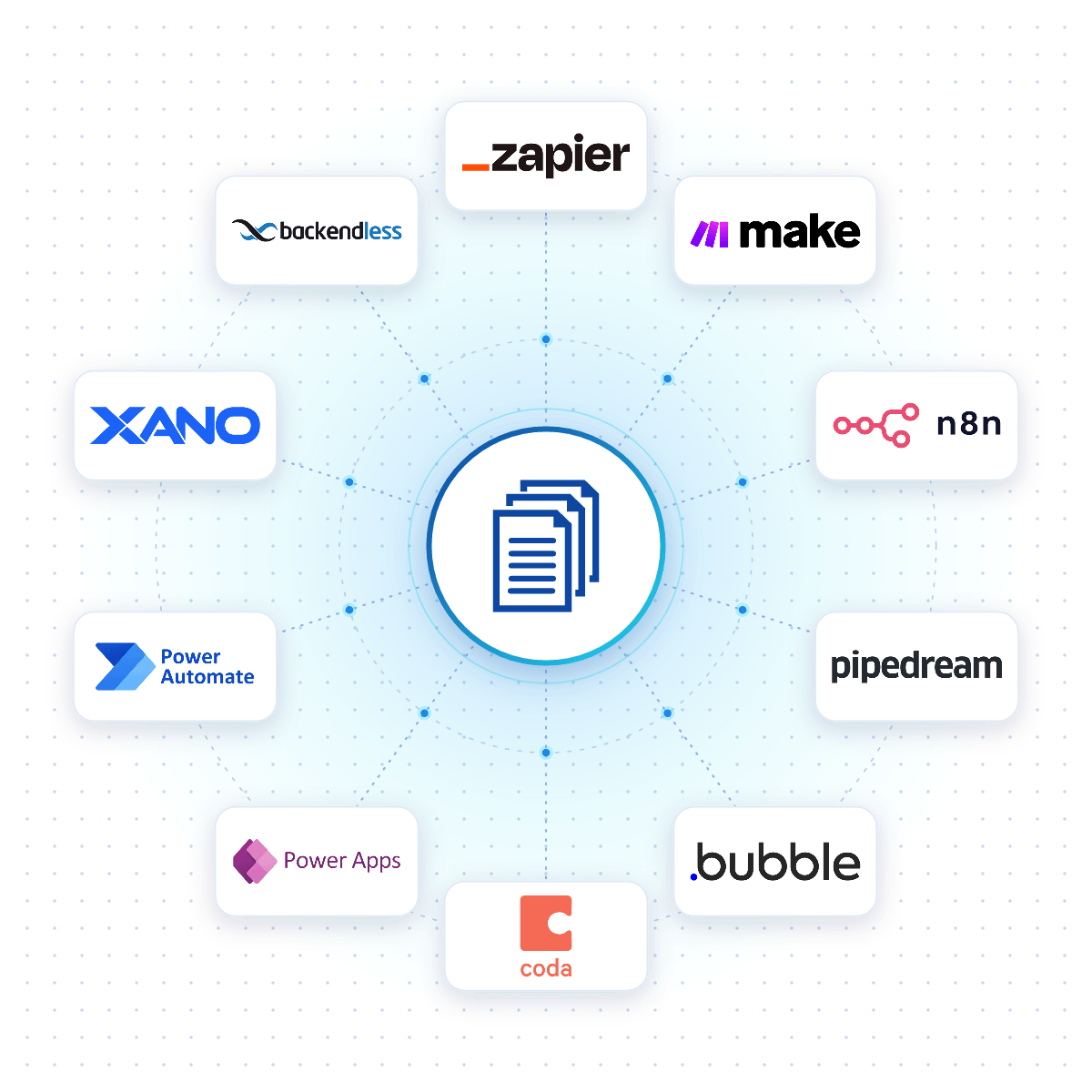
Connect DocuGenerate to Zapier, Make, n8n or Pipedream, and a contract is created the moment a deal closes in your CRM, a form is submitted or a row is added to a spreadsheet.

Native connectors for Bubble, Coda, Power Apps, Xano and Backendless allow your apps to generate contracts reliably from your DocuGenerate templates.

No-Code Integrations
DocuGenerate connected to no-code platforms like Zapier, Make, n8n and Bubble
From Our Blog

Create Employment Agreements with Variable Clauses

Streamline document generation and create customized employment agreements with ease. Discover how enhanced syntax, dynamic conditions and JSON data can simplify the process, improve efficiency and ensure accurate agreements.

Read the Article
Create Employment Agreements with Variable Clauses
Rectangle shape
FAQ

Your Questions Answered

Questions frequently asked about creating contracts with DocuGenerate

Yes. Templates are ordinary Word files, so you can reuse the contracts you already have. Add merge tags where the details change and upload the file. Learn more.
Yes. Generate it as DOCX instead of PDF and make any final changes in Word before sending it to the other party.
PDF, DOCX, DOC, ODT, TXT, HTML and PNG, plus the PDF/A archival variants. Pick the format each time you generate, so the same template can serve different purposes. Learn more.
Yes. Connect your CRM through Zapier, Make, n8n or Pipedream and generate a contract automatically when a deal closes or a new hire is added.
No. The data is transient. It is used for the merge and then discarded, never written to the logs or the database. The generated contracts are kept until you delete them.
Yes. Send your contract data as JSON to the REST API and get the generated contract back in seconds. SDKs are available for Node.js, Python, PHP, Ruby, Go, C#, Rust and Java, and every plan includes full API access. Learn more.
Sign Up

Start Creating Your Contracts

Get started with 20 free documents per month and our ready-to-use contract templates.

Start Generating for Free
  • Free forever plan
  • No credit card required